Get started with digital time tracking
Paper lists and spreadsheets steal time and create errors. Here’s how to get started with digital clocking in – on a tablet at reception or on the employee’s phone.
Most businesses start with paper lists or a shared spreadsheet to keep track of working hours. It works fine until it doesn’t: a list goes missing, someone forgets to sign in, and on payday, you’re left guessing who worked when. Digital time tracking removes the guesswork. Here’s what you need to get started.
Why switch from paper?
A paper list is simple, but it’s also easy to manipulate, easy to lose, and impossible to sum up quickly. When the hours finally need to be converted into payroll, someone has to manually enter everything again – and every manual transfer is another chance for errors. Digital registration gives you three things right away:
- Accuracy. The timestamp is saved the moment the employee clocks in, not as remembered three days later.
- Overview. You can see who is at work right now and how many hours have been recorded so far in the period.
- Traceability. Changes are logged, so you can always see what was adjusted and by whom.
Clocking in at a kiosk with PIN
For workplaces where people physically report – shops, cafés, workshops, or warehouses – the simplest solution is a tablet at the entrance or in the break room. The employee enters their personal PIN, selects “in” or “out,” and is done in a couple of seconds. No app to install, no login to remember. Kiosk mode is designed for this: quick clocking that everyone masters from day one.
The PIN links the registration to the correct person while ensuring no sensitive information is displayed on the screen. If someone forgets their code, they can reset it themselves without involving a manager.
Mobile registration
Employees who are out on assignments, travel between locations, or work from home clock in via their phone instead. They can view their own schedule, clock in when they start, and get an overview of their hours. For employers, this means the hours come in continuously – not in a pile at the end of the month.
How to get started
- Add the employees. Each person gets their own profile and PIN code.
- Choose a registration method. Kiosk on a shared tablet, mobile, or both.
- Set up working time rules. Standard working hours, breaks, and any additional rules are entered once and apply to everyone.
- Run a trial week. Let employees clock in for a week before fully transitioning from paper, so everyone feels confident with the process.
In short
Digital time tracking isn’t about monitoring employees; it’s about eliminating double work and errors. Clocking in takes seconds, the hours are always up to date, and when payroll time comes, the numbers are already there. Start with a simple setup, run a trial week, and build from there.
Related articles
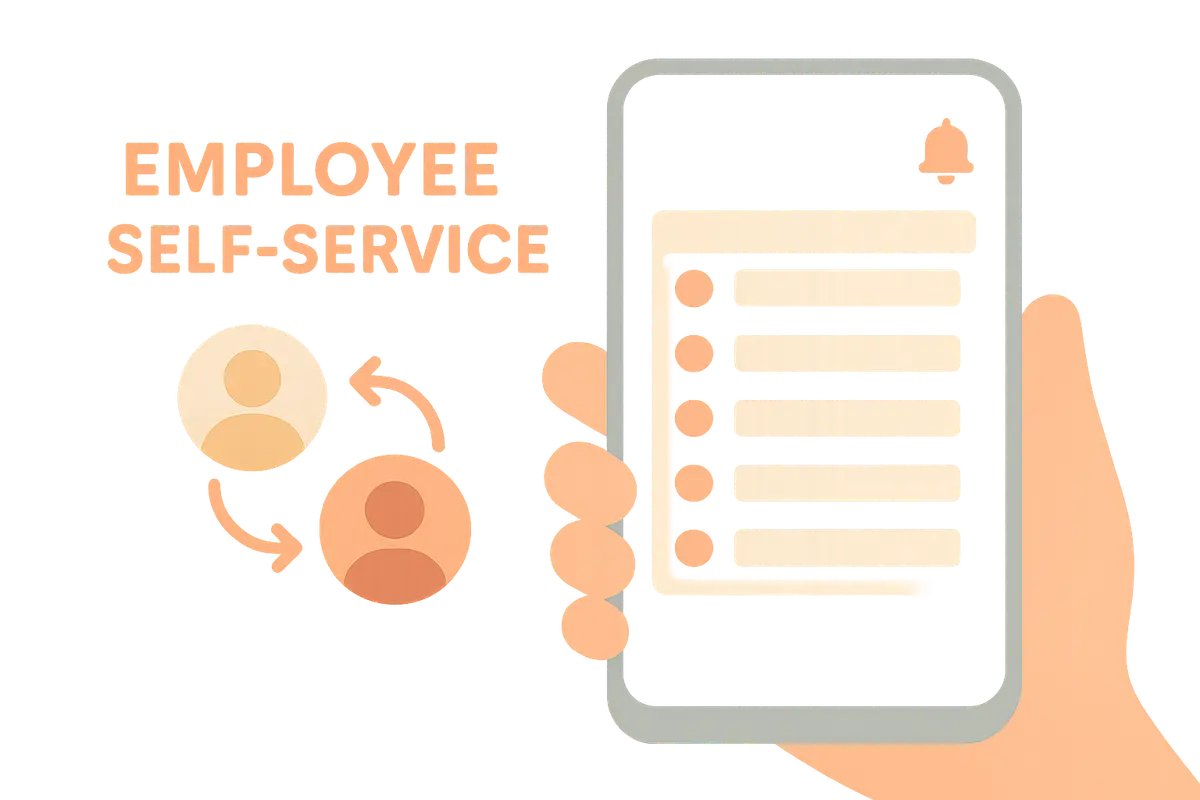
Self-service for employees: shift swaps, notifications, and overview
The best time registration systems don't just save the manager work – they give employees control. This is how self-service makes everyday life easier for everyone.
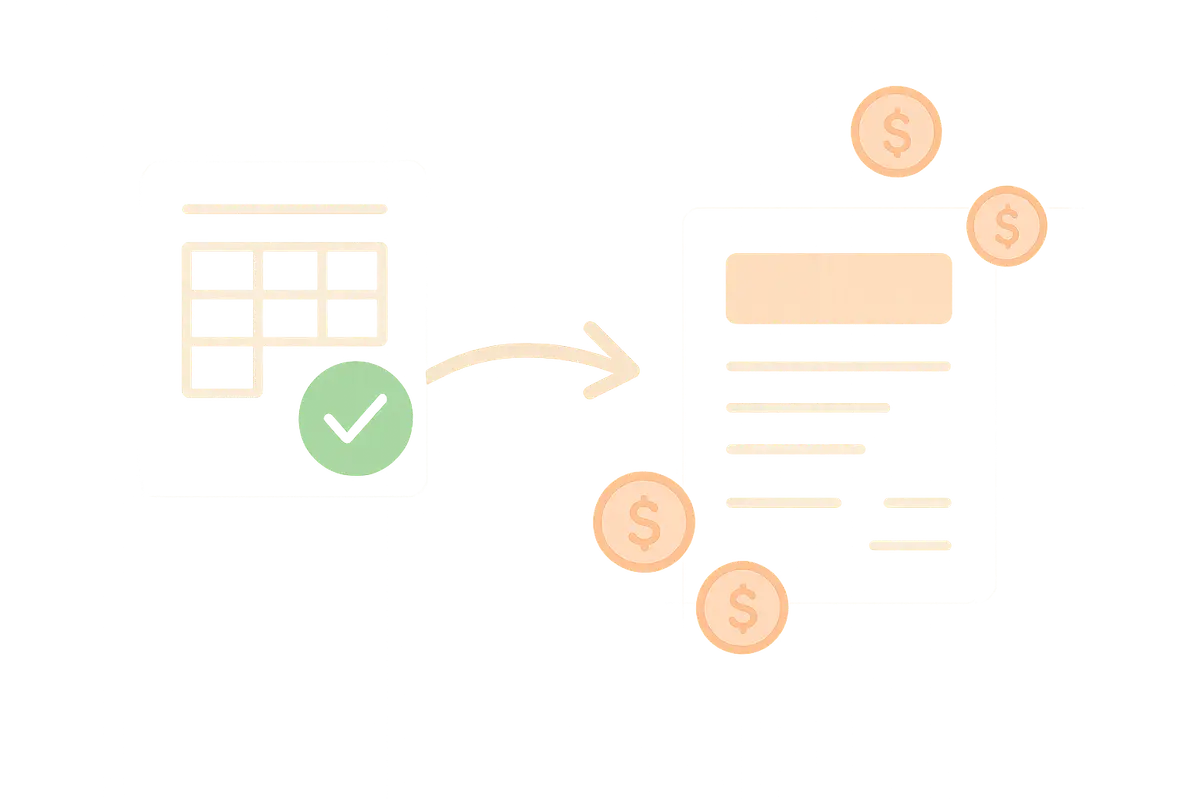
From time tracking to payroll: approval and payroll export
Hours are logged – but the path to correct payroll goes through approval, corrections, and export. This is how you close the loop without double work.

Holidays and leave without a headache
The Holiday Act grants employees the right to time off – and employers the obligation to keep track of the balance. Here’s how to manage holidays, self-certification, and other leave without it turning into chaos.